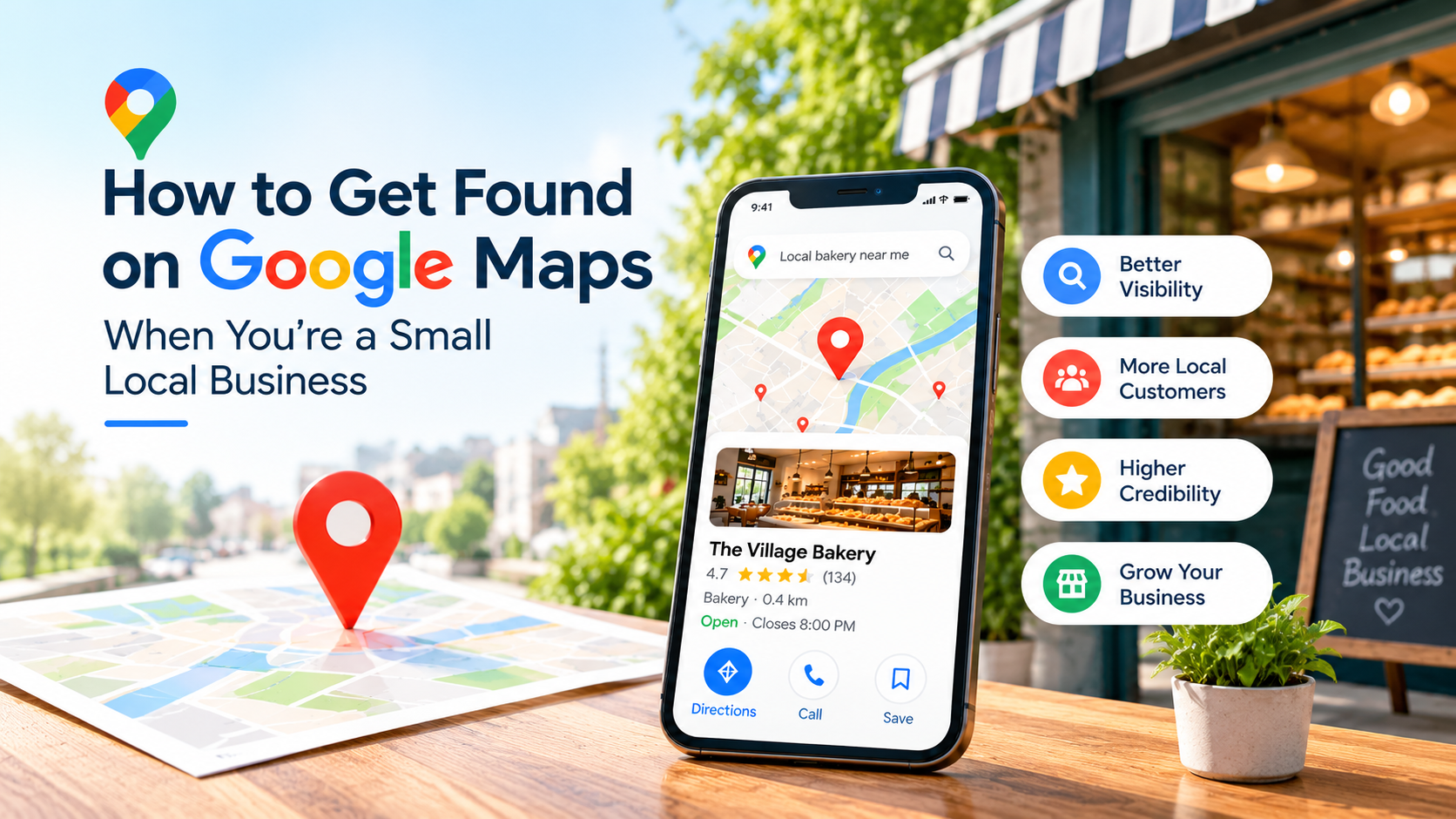
When someone searches for “plumber in Manchester,” “electrician in Austin,” or “dentist in Sydney,” the businesses shown on the map are usually the ones that get the first call. For a small business competing with larger, established brands, learning how to get found on Google Maps is one of the most practical marketing steps available.
The good news is that local visibility is not reserved for big budgets. According to Google, a complete and accurate Business Profile, genuine reviews, and a trustworthy web presence all contribute to how local results are shown. No one can guarantee a particular position, but a well-maintained profile gives a business a fair chance to be considered.
Why Google Maps Visibility Matters for Small Businesses
Local searches are often made at the moment a decision is close. People look for nearby options, compare them, check opening hours, read reviews, and then call, request directions, or visit a website.
A visible, accurate profile can make each of those steps easier. Google’s own performance reports show how customers interact with a profile, including calls, direction requests, and website clicks.
Results will vary by industry, location, and competition, and visibility is never guaranteed. Still, businesses that are easy to find and easy to trust are better placed to be chosen.
1. Create or Claim Your Google Business Profile
A Google Business Profile is the free profile that a business manages to control how it appears in Google Search and Maps. A Google Maps listing is simply the place entry that customers see. Some listings exist before an owner claims them, because Google sources business information from several places.
To get started:
- Search for your business on Google Maps to see if a listing already exists.
- Claim it, or create a new profile if none is found.
- Complete verification, which tells Google that you are authorised to represent the business.
Only one profile should be created per business. Duplicate profiles can cause problems with how information is displayed. Creating and managing a profile is free, while Google Ads is a separate, optional paid product.
If you are unsure where to begin, Google’s Business Profile Help Center explains each setup step.
2. Optimize Your Business Information
Google Business Profile optimization starts with accuracy. Businesses with complete and accurate information are more likely to appear in relevant local searches, according to Google.
The following details should be reviewed carefully:
- Business name: The real-world name used on signage, the website, and stationery
- Address or service area: A physical address if customers can visit, or an eligible service area if the business travels to customers
- Phone number and website: Correct, working, and consistent everywhere
- Hours: Regular and special hours, such as holidays
- Services and products: Listed clearly and accurately
- Description: A short, honest summary of what the business offers
- Booking and contact information: Kept current
Consistency matters because mismatched details create confusion for customers and for Google’s systems.
A common temptation is to add keywords to the business name. This is not permitted. Google’s guidelines for representing your business state that unnecessary information in a name can lead to suspension of a profile. Misleading addresses should also be avoided. For example, a plumber working from a home address is advised to clear the address and use a service area instead.
3. Choose the Right Google Business Profile Categories
The primary category should describe what the business mainly does. It tells Google what kind of business is being shown, so it deserves careful thought.
Additional categories can be added if they accurately describe real services. For instance, a salon might add a secondary category for bridal services if that service is genuinely offered.
The closest accurate category should always be chosen over a broader or unrelated one. Adding unrelated categories in the hope of appearing in more searches tends to confuse rather than help. Google explains how categories are managed in its category guidance.
4. Add High-Quality Photos and Videos
Photos help customers understand what to expect before they arrive. Google notes that photos and videos let businesses show what they offer and tell their story.
Useful images include:
- The exterior and entrance, so the premises are easy to recognise
- The interior and seating or waiting areas
- Products, menus, or completed work
- The team at work
Genuine photos are more helpful than stock images. They should also be kept current, since a refurbished shop or a new menu item is easily outdated in older pictures.
5. Collect Genuine Customer Reviews
Reviews are among the most visible signals on a profile. Google states that more reviews and positive ratings can help a business’s local ranking, and they also help customers decide.
Customers can be invited to share honest feedback in simple ways:
- Sharing a direct review link or QR code
- Asking in person after a service is completed
- Sending a polite follow-up message
Strict rules apply. Offering incentives in exchange for reviews is treated as fake engagement and is prohibited. Reviews must not be purchased, and positive feedback should not be solicited selectively while unhappy customers are discouraged.
Replies matter too. Positive and negative reviews should both be answered professionally and honestly. A calm, factual response to criticism often reflects well on a business. Google’s guidance on getting and replying to reviews explains these best practices.
6. Keep Your Google Business Profile Active and Updated
An active profile signals to customers that a business is open and attentive. Several habits help:
- Hours are updated for holidays and special events
- Service changes are reflected promptly
- New photos are added regularly
- Eligible profile posts are published for offers or news
- Customer questions and messages are answered quickly, where those features are available
Posting more often does not guarantee better rankings. The aim is to keep information accurate and useful, not to chase activity for its own sake.
7. Improve Your Website for Local SEO
A profile works best when it is supported by a clear website. Local SEO for small businesses usually involves a few basics:
- A mobile-friendly, fast-loading site
- Separate pages for each main service
- Accurate contact details, including address and phone number
- Descriptive page titles and headings
- Internal links between related pages
- Helpful content that answers local customers’ questions
Location-focused content should be written only where it truthfully reflects the business. Some examples:
- Digital marketing services in U.S.A : a service page for an agency serving that area
- Plumbing services in a specific service area: a page naming the neighbourhoods actually covered
- A local bakery: content describing the nearby areas it delivers to or serves
Pages should never be created for locations a business does not genuinely serve. Google’s SEO Starter Guide explains how to make a site easier for search engines to understand. Professional Website Development Services and well-planned content marketing services can help when a site needs more than small edits.
8. Build Local Relevance and Trust
Trust is built over time through consistent, credible mentions. Legitimate steps include:
- Listing the business in relevant, reputable directories
- Keeping name, address, and phone number consistent across trusted platforms
- Partnering with local organisations, events, or charities
- Seeking coverage in local publications
Quality matters more than quantity. Irrelevant or low-quality directories should not be pursued merely to increase link numbers. A few accurate listings on trusted platforms are worth more than dozens of poor ones.
9. Understand the Three Main Local Ranking Factors
Google states that local results are mainly based on three factors:
- Relevance: how well a profile matches what someone is searching for
- Distance: how far the business is from the person searching
- Prominence: how well known a business is, which Google says can reflect links to the business and the number and quality of reviews
Complete and accurate information supports relevance, while a credible online presence supports prominence. Distance, however, cannot always be controlled, since results depend partly on where the searcher is.
Google is also clear that there is no way to request or pay for a better local ranking. Consequently, no agency can guarantee a particular Google Maps position. Anyone claiming otherwise should be treated with caution. The details are explained in Google’s guide to improving your local ranking.
10. Track Your Local SEO Performance
Improvement is easier when results are measured. For verified profiles, Google provides performance data showing how people find and use a profile. Depending on the business, available metrics may include:
- Profile views on Search and Maps
- Search terms used to find the business
- Calls
- Website clicks
- Direction requests
- Messages and bookings
Only the metrics that apply to a business are shown. Search terms are updated monthly, so patterns are best reviewed over longer periods. Google explains the reports in its guide to Business Profile performance and insights.
Website behaviour can also be reviewed with Google Analytics, which shows what visitors do after they arrive. Together, these insights can guide the next round of improvements.
Patience is needed. Google’s SEO Starter Guide suggests waiting a few weeks before judging whether changes have had an effect.
Common Google Maps SEO Mistakes to Avoid
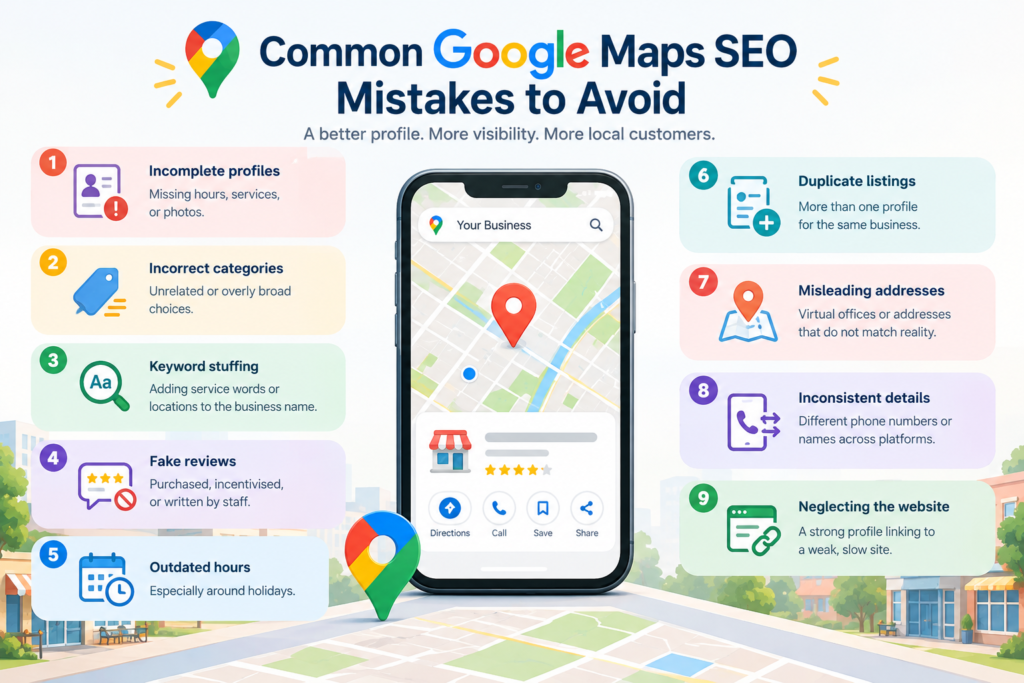
- Incomplete profiles: missing hours, services, or photos
- Incorrect categories: unrelated or overly broad choices
- Keyword stuffing: adding service words or locations to the business name
- Fake reviews: purchased, incentivised, or written by staff
- Outdated hours: especially around holidays
- Duplicate listings: more than one profile for the same business
- Misleading addresses: virtual offices or addresses that do not match reality
- Inconsistent details: different phone numbers or names across platforms
- Neglecting the website: a strong profile linking to a weak, slow site
How AI.Que Media Helps Businesses Improve Local Search Visibility
Many small businesses know what needs to be done but lack the time to do it consistently. AI.Que Media, AI-Powered Digital Marketing Agency supports brands across the UK, USA, Germany, and Australia with practical, transparent digital marketing.
Support can include local SEO services, Google Business Profile optimization, website SEO services, content marketing, and broader digital marketing support. The aim is to build a stronger local online presence step by step, without exaggerated promises.
If a profile review would be useful, businesses can contact AI.Que Media.