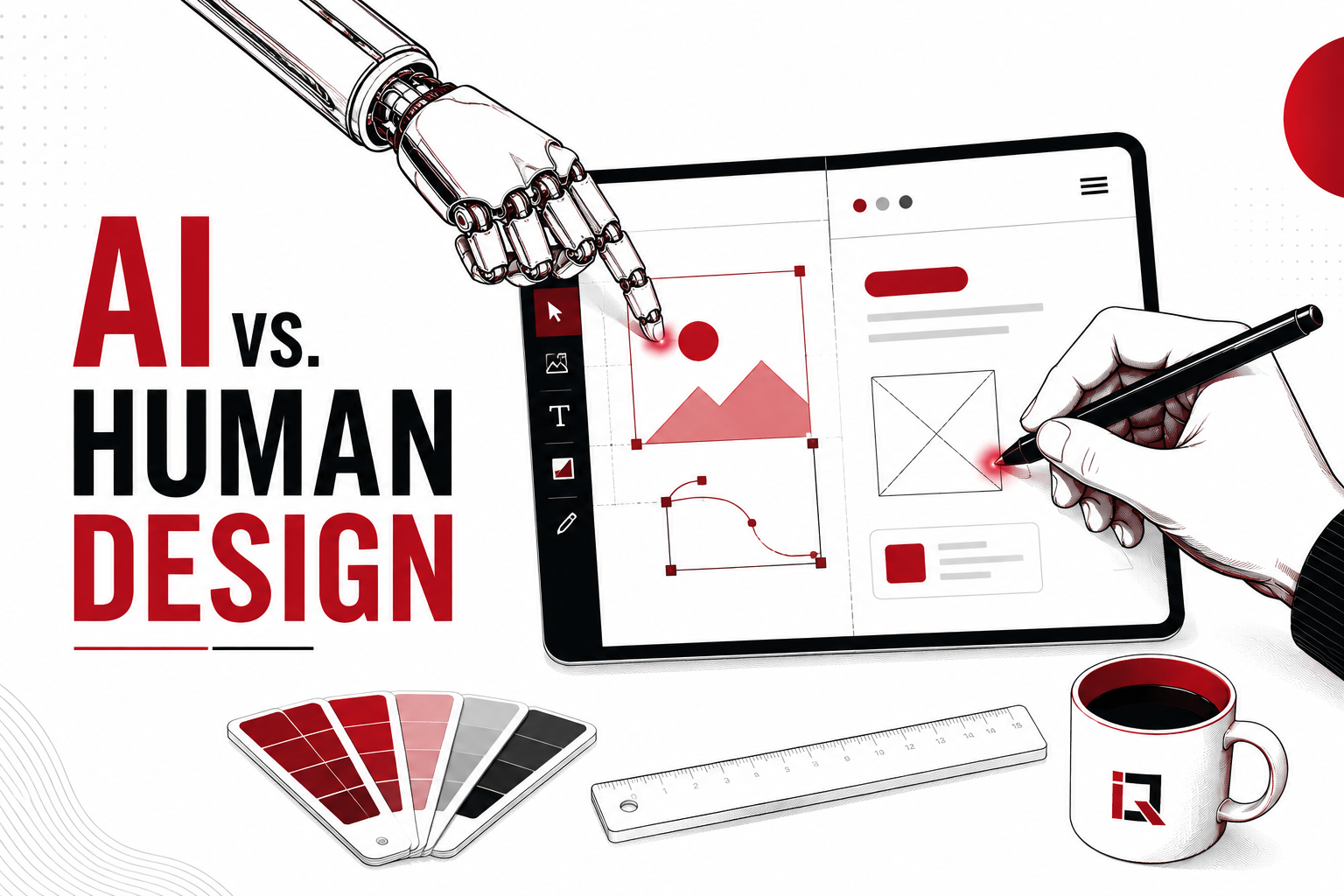
Can AI actually replace human designers?
It’s a fair question, given how fast AI-generated design tools have moved from novelty to daily workflow for many product and design teams. These tools can now produce wireframes, UI concepts, and full page layouts in seconds work that used to take hours. But speed isn’t the same as quality, and a generated interface isn’t automatically a good user experience.
AI can genuinely accelerate design work. What it can’t yet replace is the research, empathy, context, judgment, and strategic thinking that turn a good-looking screen into an experience that actually works for real users, in a real business, solving a real problem.
How AI Is Changing UI/UX Design
AI-generated design tools are already woven into how many teams work, assisting with:
- Wireframes: rough structural layouts generated from a text prompt or reference
- UI concepts: visual directions and component styling suggestions
- Prototyping: clickable flows built faster than manual prototyping allows
- Design variations: multiple layout options generated quickly for comparison
- Layout generation: automated grid and spacing suggestions
- Content suggestions: placeholder or draft copy matched to a design’s tone
- User-flow ideas: suggested navigation paths based on common patterns
- Design systems: component libraries generated or extended from existing patterns, often built on established frameworks like Google’s Material Design
- Accessibility checks: automated flags for contrast, font size, and tap-target issues
- Design research assistance: summarizing user feedback or competitor patterns faster than manual review
This isn’t replacing the design process, it’s compressing the early, exploratory parts of it.
Where AI-Generated Design Tools Excel
Faster Prototyping
What once took a full day of manual layout work can now produce a workable prototype in under an hour, letting teams test concepts with stakeholders or users much earlier in the process.
Generating Multiple Design Concepts
Instead of manually building three or four layout directions from scratch, a designer can generate a wider range of starting points, then choose the strongest to refine, useful for early-stage startups exploring brand direction, or SaaS teams testing a new feature’s UI.
Automating Repetitive Design Tasks
Resizing components across breakpoints, generating icon variations, or producing basic design assets no longer needs to consume a designer’s focused time, a shift widely discussed across design tool platforms likeFigma’s own product blog.
Supporting Design Systems
AI tools can help extend existing design systems by consistently generating new component variants that follow established spacing, color, and typography rules, which is particularly useful for e-commerce sites managing large, repetitive product catalogs.
Improving Design Workflow Efficiency
Across SaaS, e-commerce, startup, and general business websites, the net effect is the same: less time spent on repetitive production work, more time available for the parts of design that genuinely require human judgment.
Where Human-Led UI/UX Design Still Wins
A visually polished, AI-generated interface does not automatically equal good UX. Several things AI still can’t reliably provide:
- User empathy: genuinely understanding how a specific frustrated, confused, or first-time user experiences a product
- User research: conducting and interpreting real interviews, usability tests, and behavioral data
- Business context: understanding a company’s specific constraints, goals, and competitive position
- Brand understanding: capturing the subtle tone, personality, and values that make a brand recognizable
- Emotional design: crafting moments that build trust, delight, or confidence at the right point in a journey
- Strategic decision-making: knowing why a design choice serves the business, not just whether it looks clean
- Accessibility and inclusion: designing genuinely for users with disabilities, guided by standards like the Web Content Accessibility Guidelines (WCAG), not just passing an automated contrast check
- Complex user journeys: mapping multi-step, multi-stakeholder flows that don’t follow a common template
- Stakeholder collaboration: navigating competing priorities between marketing, engineering, and leadership
- Understanding cultural differences: recognizing how design expectations shift across markets like the UK, USA, Germany, Canada, and UAE
A generated layout can look competent in isolation. Whether it’s right for a specific business, audience, and goal is a judgment call AI isn’t equipped to make on its own.
Can AI Replace UI/UX Designers?
Not realistically, at least not in its current form. Design research organizations like the Nielsen Norman Group have written extensively on this topic — the consensus is that AI is best understood as a design assistant and productivity tool, one that removes friction from early-stage, repetitive work, rather than a replacement for the strategic and empathetic work experienced designers do.
The most accurate framing isn’t “AI vs. designers.” It’s “designers using AI vs. designers not using it, and increasingly, the former group works faster without sacrificing the judgment that makes design effective.
| Area | AI-generated design | Human-led design |
| Speed | Fast, generates concepts in seconds | Slower, especially in early exploration |
| Creativity | Pattern-based, drawing on existing designs | Original, context-driven creativity |
| User research | Cannot conduct real research | Essential, ongoing capability |
| Empathy | Not genuinely possible | Core strength |
| Brand understanding | Surface-level, prompt-dependent | Deep, nuanced, and consistent |
| Scalability | Very high, generates variations quickly | Limited by team capacity |
| Strategic thinking | Limited to pattern-matching | Central strength |
| Accessibility | Automated checks only | Genuine inclusive design judgment |
| Decision-making | Cannot weigh business trade-offs | Core responsibility |
| Personalization | Can generate variants at scale | Defines the strategy behind personalization |
The Best Approach Is AI + Human Designers
The strongest workflows treat AI as one stage in a larger process, not a replacement for it:
Research → Human Strategy → AI Exploration → Human Refinement → User Testing → Optimization
AI enters after the business problem and user needs are understood, accelerates the exploration of possible directions, and then hands control back to human designers for refinement, testing, and the judgment calls that actually determine whether a design succeeds.
How Businesses Can Use AI in UI/UX Without Sacrificing Quality
- Define user needs first, before generating anything
- Use AI for ideation and early exploration, not final decisions
- Validate every AI-assisted design with real users
- Maintain brand consistency across AI-generated variations
- Test accessibility manually, not just with automated tools
- Review AI-generated UX decisions critically, not by default
- Use analytics after launch to confirm the design actually works
- Continuously optimize the experience based on real usage data
How AI.Que Media Approaches AI-Powered Design
At AI.Que Media, we treat AI as a way to move faster through early-stage design work not as a substitute for the strategy, research, and judgment that make a digital product actually perform. Our UI/UX Design Services combine AI-assisted exploration with human-led research and refinement, so businesses get both speed and quality.
This connects directly to the rest of what we do: a well-designed interface only matters if people can find it, which is where our SEO Services and AI Search Optimization work come in, and if it converts once they arrive, which is where design meets Digital Marketing Services and conversion strategy. Our Web Design Services are built with this full picture in mind, not designed in isolation, but designed as one part of a system that needs to perform.
The Future of AI and Human-Led UI/UX Design
AI’s role in design is likely to keep expanding,faster prototyping, more personalized interfaces generated at scale, automated usability testing, and adaptive experiences that adjust to individual user behavior. What’s less likely to change is the growing importance of UX strategy and human oversight as AI handles more production work: as generation gets faster and cheaper, the judgment about what to generate and why becomes the more valuable skill, not less.
The Bottom Line
AI can make designers faster. Human designers make experiences meaningful.
Businesses shouldn’t have to choose between AI efficiency and human creativity. AI.Que Media combines technology, design thinking, SEO, and digital strategy to build digital experiences that actually perform not just ones that look good in a first draft. If you’re evaluating how to use AI in your next website or product design project, we’re happy to talk through what that could look like for your business.
Not Sure If Your Digital Marketing
Is Actually Working For You?
We Will Give You An Honest Assessment Of Where You Stand And What The Fastest Path To Growth Looks Like.
Book Your Free Consultation →No Commitment. No Sales Pitch. Just A Straight Conversation About Your Growth.
Frequently Asked Questions
No related posts.